
ExTiX 25.12-2 Mini – a live remix of upcoming Ubuntu 26.04 LTS – with LXDE, Refracta Snapshot and kernel 6.17.8-amd64-exton ::: Build 251205
 NEWS 251205 ABOUT ExTiX 25.12-2 Mini with LXDE and Refracta Snapshot ::: Build 251205
I have made a new version of ExTiX (The Ultimate Linux System). I call it ExTiX 25.12-2 LXDE Mini Live System. (The previous ExTiX Mini version was 23.5 from 230510). ExTiX 25.12-2 is a VERY PREMATURE remix of Ubuntu 26.04 LTS (Resolute Raccoon). Ubuntu 26.04 LTS will be supported until July 2031.
ABOUT Build 25.12-2
I was aiming to build a really light version of ExTiX (as a remix of upcoming Ubuntu 26.04). I therefore started “from scratch” using the Debootstrap method. Debootstrap is a low-level tool that installs a basic Ubuntu system into a directory, giving you complete control over every package from the ground up. This method is often used to create a custom installation in a virtual machine (using QEMU, VirtualBox, etc.) or onto a specific disk partition. No matter how hard I tried I could not make a smaller ISO than the current one of 1870 MB. Many big packages are necessary to make the system usable. As an example I can mention the linux-firmware package. It is of 650 MB. Without it the System is useless. A small ISO is of importance if you want to run the system from RAM on older computers with low RAM. To run from RAM is the best way to run any Linux system. Super fast! I decided to use LXDE (Lightweight X11 Desktop Environment) as DE instead of LXQt in the hope that it would hold down the size of the System. It did not help much though.
FEATURES
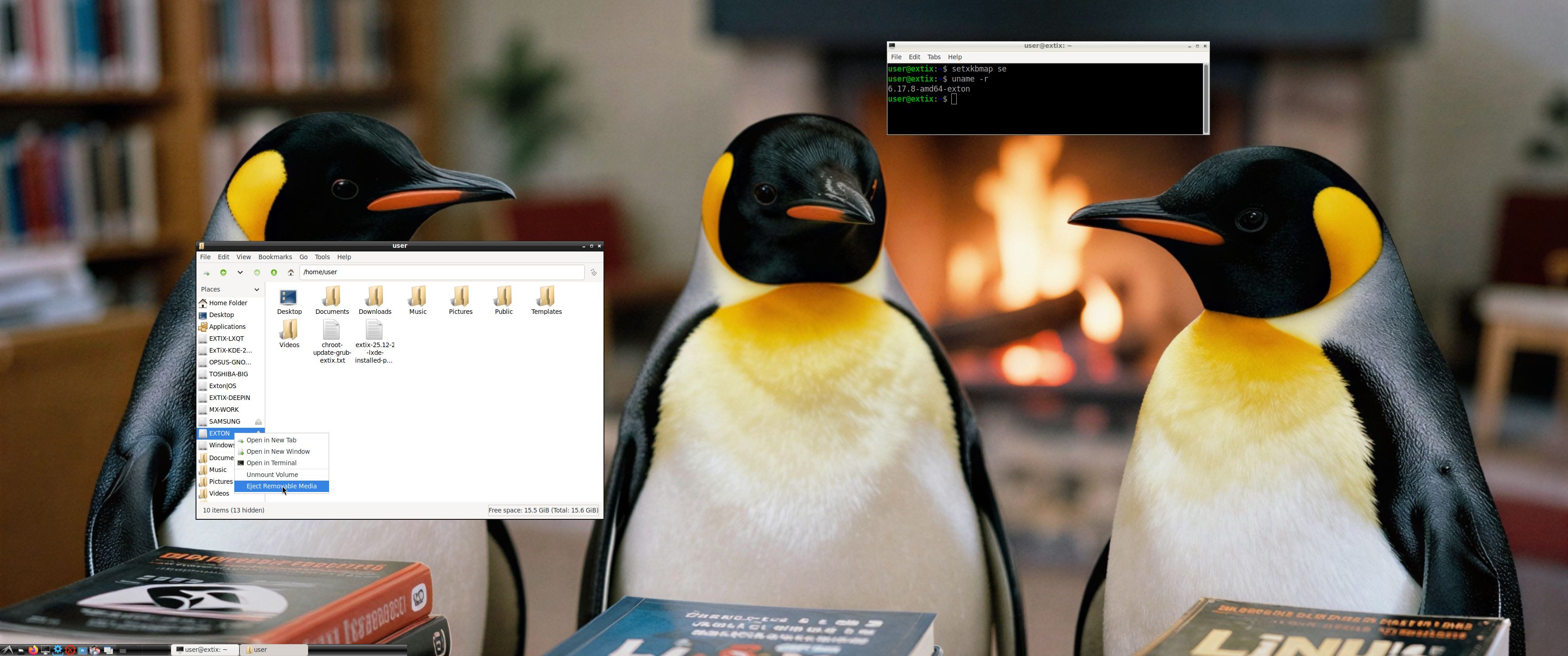
The best thing with ExTiX 25.12-2 is that while running the system live (from a DVD/USB) or from hard drive you can use Refracta Snapshot (pre-installed) to create your own live installable Ubuntu 26.04 LTS system. So easy that a ten year child can do it! One other very good thing with this version of ExTiX is that it is quite light. The ISO file is of only 1870 MB, which means that you can run the system super fast from RAM. When the boot process is ready you can eject the DVD or USB stick. Watch this screenshot. Use Boot alternative 2 or Advanced options >> load to RAM. LXDE is used as Desktop Environment (DE). Kernel 6.17.8-amd64-exton is used (as in ExTiX 25.12). You can use Refracta Installer to install ExTiX 25.12-2 to hard drive. It works very well. Read more about Refracta Installer…
STUDY all pre-installed packages in ExTiX 25.12-2…
And this list showing the size of installed packages in KB…
(Not much to gain from uninstalling some packages).
ABOUT Snaps
I have removed all snaps and snapd (The snap daemon) altogether from ExTiX 25.12-2 following the advice’s here. The main reason for that was that the ExTiX ISO became too big with snaps installed.
Log in to LXDE
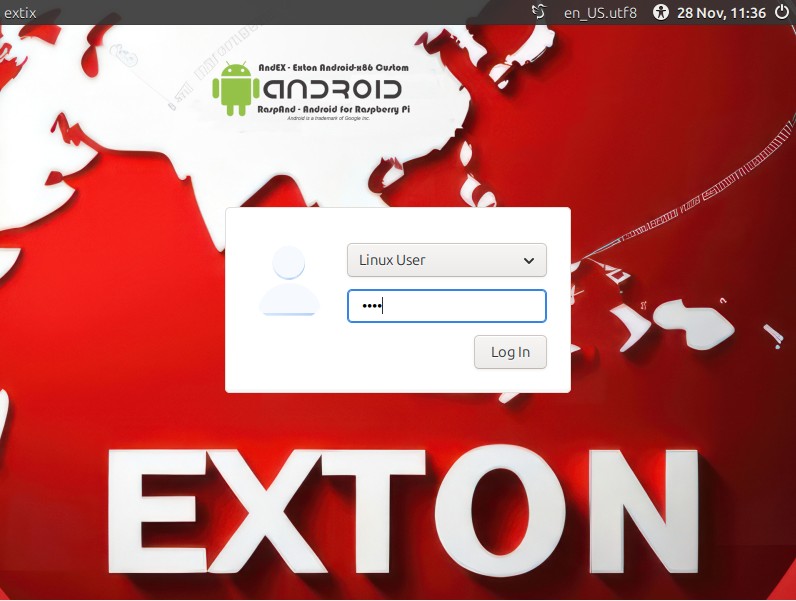
When the live boot process is ready you will end up in X and the LXDE Desktop logged in as the ordinary use live – screenshot. You can log out and log in again as root if you want. The password for root is root. The password for user is live. While logged in as user you can use Sudo to become root. Examples: sudo su and sudo pcmanfm.
THE IMPORTANCE OF ExTiX 25.12-2 Build 251205 being based on UPCOMING Ubuntu 26.04 LTS
Programs won’t “crash” or anything like that. And I haven’t noticed any important “bugs”. That said you should of course be a bit careful. Version 251205 of ExTiX is for people who like to use “cutting-edge” software and the latest kernels etc. You will always have the latest Ubuntu software installed if you regularly run the command sudo apt update && sudo apt upgrade. If you do that for example every week you can be among the first to have Ubuntu 26.04 STABLE installed.
SCREENSHOTS
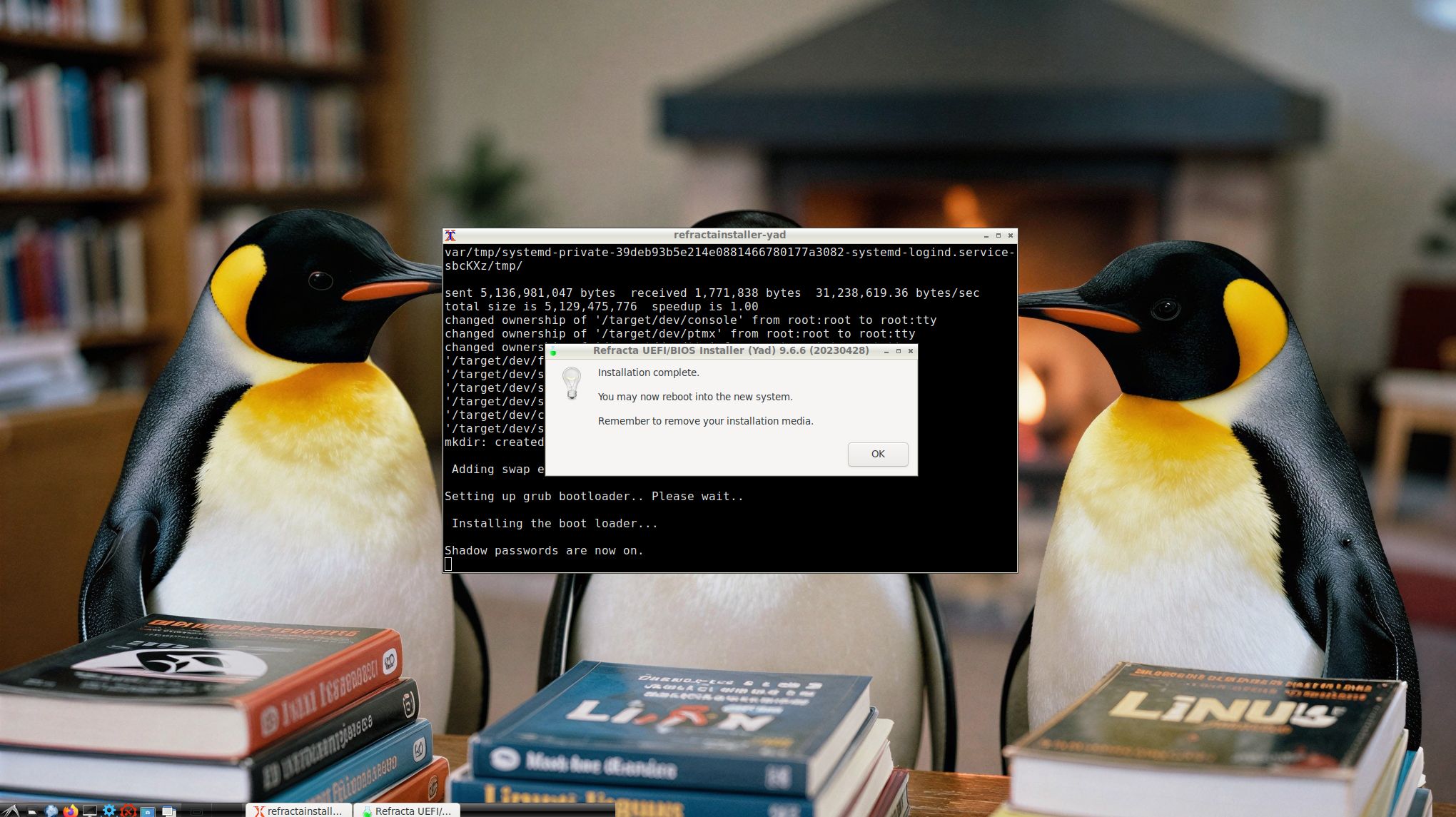
1. Refracta Installer is ready
2. Showing that you can eject the USB stick when running ExTiX from RAM
DOWNLOAD
Download ExTiX 25.12-2 from SourceForge.net – Fast, secure and free downloads from the largest Open Source applications and software directory.

md5sum for extix-25.12-2-64bit-lxde-refractasnapshot-1870mb-251205.iso

Read about my Android-x86 Systems – 11, 10, Pie, Oreo, Nougat, Marshmallow, Lollipop and KitKat at andex.exton.net – latest is AndEX 11 (with GAPPS), AndEX 10 (with GAPPS) and AndEX Pie 9.0 (also with GAPPS)!
and
about my Android 16, 15, 14, 13, 12, 11, 10, Pie, Oreo, Nougat, Marshmallow and Lollipop versions for Raspberry Pi 5, Pi 4 and Pi 3/2 at raspex.exton.se – latest is RaspAnd 16 (with GAPPS), RaspAnd 15 (also with GAPPS), RaspAnd 14 (also with GAPPS), 13 and 12 (without GAPPS), RaspAnd 11 (with GAPPS) and RaspAnd Oreo 8.1 (also with GAPPS)! 